AI Phishing Emails Don’t Look Like Phishing Anymore
 Justin Herrick
Read summarized version with
 ChatGPT
 Perplexity
 Gemini
 Claude
 Grok
Grok
Key takeaways
- Since ChatGPT launched, phishing attacks have increased by 4,150%, and nearly 83% of phishing emails today are AI-generated.
- Attackers use open-source intelligence (OSINT) from sources like LinkedIn, press releases, job postings, and old data leaks to craft emails that reference real internal details, such as a recent software migration or a named IT director, lowering an employee's guard.
- A clean, well-written email is no longer a safe signal; in 2026, warning signs are more likely to be an oddly formal tone or a mismatch between the sender's usual style and the message, rather than spelling errors.
- Attackers exploit manufactured urgency, such as account lockouts or final warnings, and requests that ask employees to skip established protocol, such as sharing an MFA code or approving a wire transfer via a provided login link instead of the normal portal.
- Hijacked email threads are especially dangerous because when a vendor or coworker account is compromised, attackers can reply inside a real, established conversation with a new malicious link or invoice, and recipients rarely scrutinize threads they started weeks earlier.
- Cloned login pages for services like Microsoft 365, Google Workspace, Okta, DocuSign, and Dropbox can now be perfectly replicated, so employees should navigate directly to a company's legitimate site rather than trusting a link's visual appearance.
Phishing emails used to have obvious tells. Employees were trained to spot bad grammar, odd formatting, and highly improbable scenarios, such as a mysterious inheritance from an unknown relative requesting a deposit.
The era of easily spotted, poorly translated malicious emails is largely over.
Attackers now use generative AI to write cleaner emails, imitate real people, pull in public company details, and make fake login pages look convincing enough to deceive a distracted person. Since ChatGPT launched, there’s been a 4,150% increase in phishing attacks.
An email might not look suspicious at first glance, which is exactly the point.
Legacy cybersecurity awareness training, often built around recognizing spelling errors and generic greetings, frequently fails to prepare teams for these advanced tactics.
Protecting an organization today requires looking beyond surface-level errors.
Security teams need to pivot toward active risk monitoring and mitigation, equipping employees to recognize subtle behavioral shifts, psychological manipulation, and hidden technical threats.
AI and OSINT Elevated the Threat Landscape
Nearly 83% of phishing emails are now AI-generated, and AI is enabling attackers to scale highly targeted campaigns. Instead of sending thousands of generic emails hoping for a single click, bad actors can now generate hundreds of individualized, highly credible messages in seconds.
Open-Source Intelligence Personalization
A phishing email can include real details and still be entirely fake. Attackers gather information from open-source intelligence (OSINT), which consists of publicly available data sources such as LinkedIn, company bios, press releases, job postings, social media, vendor pages, and old data leaks.
AI makes it easier to turn that scattered data into a cohesive email that sounds exactly like it came from someone who knows your company intimately.
Imagine an employee receives an email referencing a recent software migration that the company just announced in a press release. The email mentions the IT director by name and asks the employee to update their credentials for the new system. Because the details are accurate, the employee's natural skepticism drops.
A familiar project name, software tool, manager, or department reference should actually make you read more carefully, rather than relax your guard. Attackers weaponize familiarity to bypass critical thinking.
Clean Copy and Unusual Communication Styles
Bad spelling used to be a helpful, reliable warning sign. AI made that tactic obsolete. In 2026, the issue is often that the email is too polished, oddly formal, unusually vague, or just a little off for the person supposedly sending it.
When analyzing an email from a known contact, pay attention to the tone. Maybe the tone is colder than usual, or maybe the message says all the right things but doesn't quite sound like the sender. An employee who usually uses emojis and casual greetings might suddenly send a rigid, highly structured request. Conversely, a formal executive might send a message filled with casual slang.
A clean email isn't automatically a safe email. It’s vital to pay attention to whether the tone, timing, and request match the actual person behind the display name. Evaluating the behavioral context of a message is a core component of effective human risk monitoring and mitigation.
Psychological Triggers of a Breach
Modern phishing attacks are exercises in psychological manipulation. Attackers know that a calm, deliberate target is hard to fool.
To bypass logical evaluation, they rely on specific psychological triggers designed to elicit an emotional response.
Manufactured Urgency
Phishing works better when the target feels rushed. Messages about account lockouts, overdue invoices, missed headlines, final warnings, sudden approvals, or "I need this before the next meeting" are explicitly trying to move you from deliberate evaluation to impulsive action.
When an employee believes they’re about to miss a critical deadline or lose access to essential software, their focus narrows to solving the immediate problem. They stop looking at domain names and start looking for the quickest resolution. A helpful rule of thumb is to separate the request from the timeline.
If you would question the request if it wasn’t attached to a deadline, then the deadline is almost certainly the lure.
Requests Outside Company Protocol
A phishing email often asks you to skip a process that exists for a specific reason. Organizations implement procedures to protect assets, and attackers constantly seek ways to circumvent them.
That might mean an email asking you to share a multi-factor authentication (MFA) code or a password. It might mean an urgent request to approve a wire transfer, buy gift cards, change payment details, or use a provided login link instead of navigating to the normal portal.
Attackers will often frame these requests as necessary exceptions due to an emergency or a system failure. If a request depends on making an exception to established security protocols, treat the exception itself as the primary warning sign.
Hijacked Old Conversations
One of the most dangerous tactics involves weaponizing established trust. An actual email thread can still be part of a sophisticated attack.
If a vendor, coworker, or customer account gets compromised, attackers might reply inside an existing conversation with a new link, attachment, invoice, or payment request. Because the email thread is real, the new message feels significantly safer than it should.
Employees rarely scrutinize an email that is part of a conversation they initiated weeks or months ago. Be incredibly careful when an old conversation suddenly resurfaces with a new ask, especially if money, credentials, or file downloads are involved.
Technical Disguises Evading the Naked Eye
Beyond psychological tricks, attackers deploy an array of technical disguises to make malicious infrastructure look benign. They hide bad destinations and harmful files within the everyday digital workflows of a modern business.
Lookalike Domains and Spoofing
Attackers frequently use email addresses or domains that almost look right. They register domains that visually mimic trusted brands or internal company addresses.
That might mean a swapped character, an extra word, a missing letter, or a fake subdomain that feels familiar at a quick glance. It's not always as obvious as using "paypa1.com" instead of "paypal.com," though even a blatant swap can trick someone when they’re in a rush. Sometimes the difference is small and is only caught by intentionally slowing down.
| Disguise Type | Traditional Threat | 2026 Phishing Tactic |
|---|---|---|
| Sender Domain | Obvious misspellings or random characters | Lookalike domains with swapped characters or familiar fake subdomains |
| Links | Bare, suspicious HTTP web addresses | Disguised destinations hidden behind buttons, shortened URLs, or spoofed domains |
| Attachments | Unknown executable files (.exe) | Weaponized routine files blending into the workday (Invoices, PDFs, HR forms) |
| Portals | Basic, visually flawed fake sites | Convincing cloned login pages for Microsoft 365, Google Workspace, or Okta |
You should never trust the display name alone. Attackers can set the display name to anything they want. Always open the sender details and look at the full, exact email address before clicking any links or replying.
Disguised URL Destinations
Any link can look entirely harmless and still send you somewhere exceptionally dangerous.
Attackers hide bad destinations behind cleanly designed buttons, shortened URLs, misleading link text, and spoofed domains that look close to the real thing. On mobile devices, it’s even easier to miss where a link actually goes because the screen size hides the full URL structure.
On a desktop computer, always hover your cursor over a link before clicking. If the destination does not clearly and perfectly match the company or contact you expected, do not use the link.
Weaponized Routine Files
Malicious attachments are usually designed to loo boring. Attackers know that employees are trained to avoid strange executable files.
Instead, they use invoices, HR forms, shipping notices, tax documents, shared PDFs, ZIP files, and password-protected files because these all blend perfectly into a normal workday. That is exactly why attackers rely on them.
Be cautious if an unexpected attachment asks you to enable macros, enter a password, download another file, or log in before you can view its contents. Legitimate business documents rarely require these extra, convoluted steps.
Convincing Cloned Pages
A fake login page doesn't look all that fake anymore. The days of pixelated logos and broken formatting are over.
Everything about a Microsoft 365, Google Workspace, Okta, DocuSign, or Dropbox login page can be perfectly replicated. The logo may be right, the colors may be right, and the login box may look exactly like the one you use for your day-to-day tasks.
Never assume a login screen is real just because it looks correct. Instead of clicking a link in an email, go directly to the company's legitimate website through your browser and navigate to the login page from there.
Build a Culture of Risk Monitoring and Mitigation
If something feels off about a message, do not click, reply, or download. Pause, verify the request through a completely different trusted channel, and report the email to your company's security team. A few extra seconds of verification can prevent a stolen login, a severe malware infection, or a costly wire transfer.
Modern security is about proactive defense. Adaptive Security is built specifically to defend against the signs of a phishing email described here, including AI-generated messages, OSINT-driven personalization, and multi-channel pressure campaigns.
The next-generation platform trains employees to recognize modern attacks through AI-powered security awareness training, realistic simulations, and automated triage. It’s designed for today's threat landscape, providing security teams a faster path from detection to response before a single click becomes a costly incident.
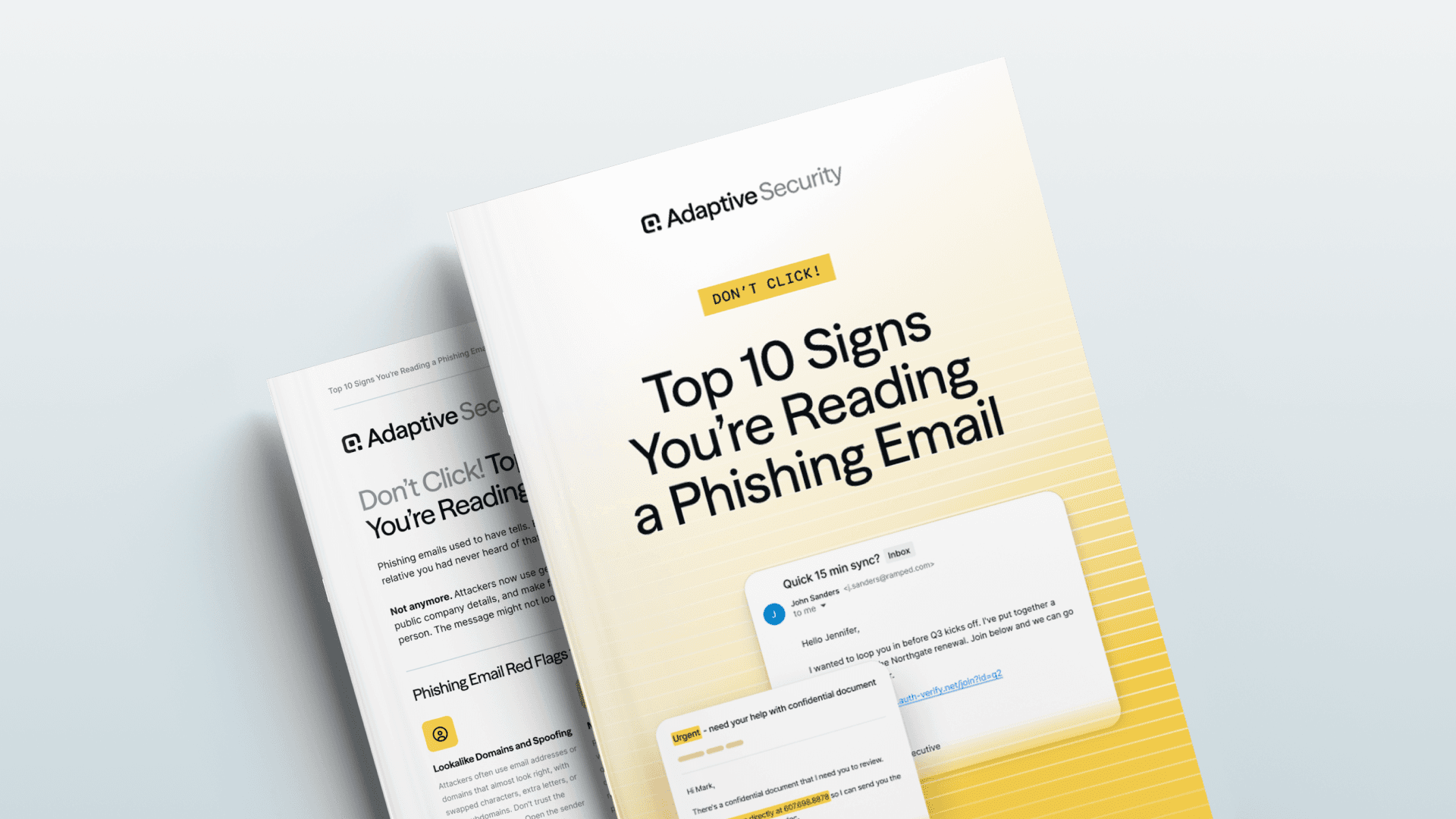
Check out Don’t Click! Top 10 Signs You’re Reading a Phishing Email to stay up to speed on all ways in which attackers are taking aim at employees in 2026.
As a technology reporter-turned-marketer, Justin's natural curiosity to explore unique industries allows him to uncover how next-generation security awareness training and phishing simulations protect organizations against evolving AI-powered cybersecurity threats.
Frequently Asked Questions.
OSINT-driven personalization occurs when attackers use publicly available information from sources, such as LinkedIn profiles, company press releases, and social media posts, to craft highly targeted, believable emails. By including real details about your department, managers, or recent projects, attackers create a false sense of familiarity to lower your defenses.
On a desktop computer, hover your mouse cursor over the link or button without clicking. A small preview of the actual destination URL will appear. If the URL looks strange, uses a link shortener, or does not exactly match the sender's official domain, do not click it. On mobile devices, avoid clicking links in unexpected emails entirely and navigate directly to the service's official website.
These campaigns are effective because they create an illusion of consensus and urgency. When an attacker follows up a phishing email with a text message or a voicemail asking you to check your inbox, it makes the initial email feel legitimate. People naturally assume that a request spanning multiple communication channels is authentic, causing them to bypass normal security checks.
Related articles

Email Security Webhooks and REST API

Email Advanced Threat Protection Architecture: Design Layered Defenses Across Mail, Identity, and Human Risk

