

Conan O’Brien featured in series of 15+ AI security training modules
AI Governance

See every AI tool running at your company.

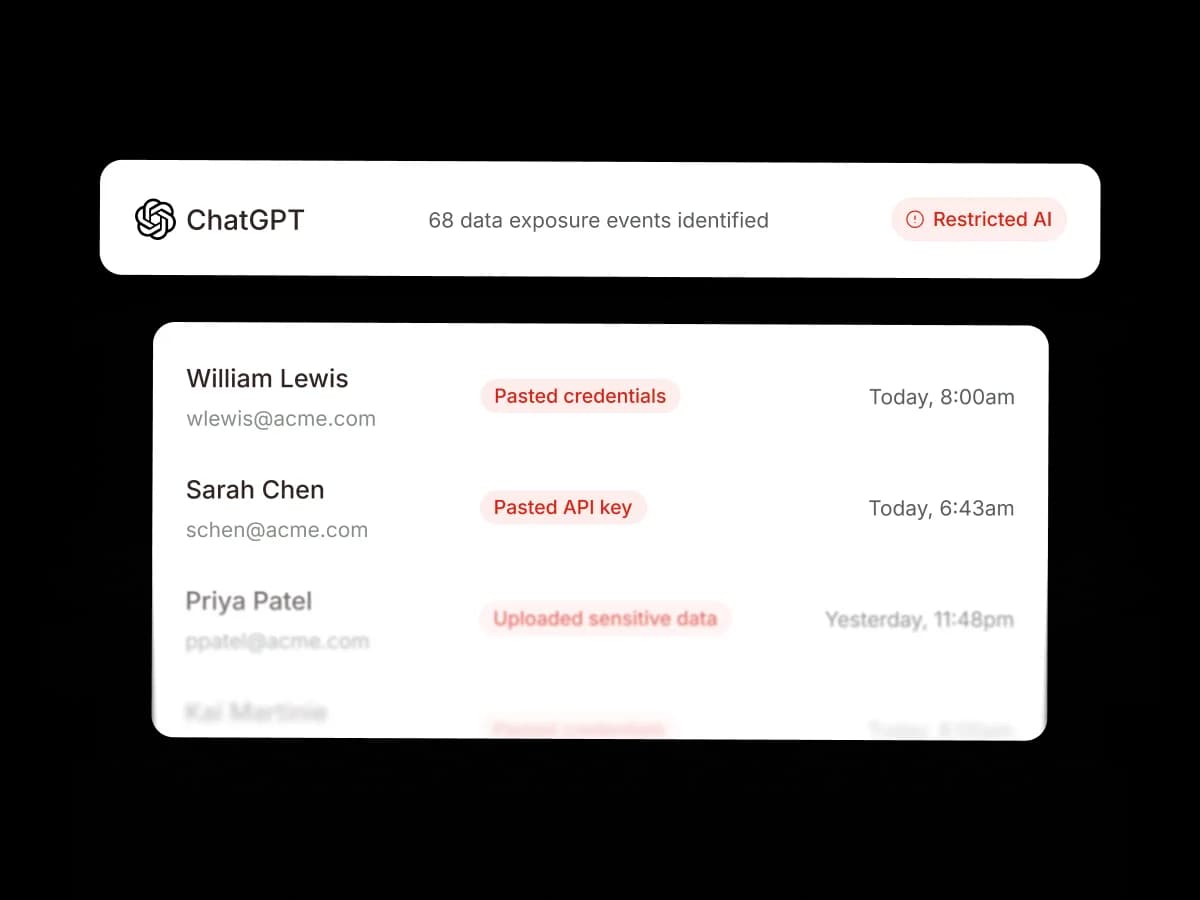
ChatGPT
68 data exposure events identifiedRestricted
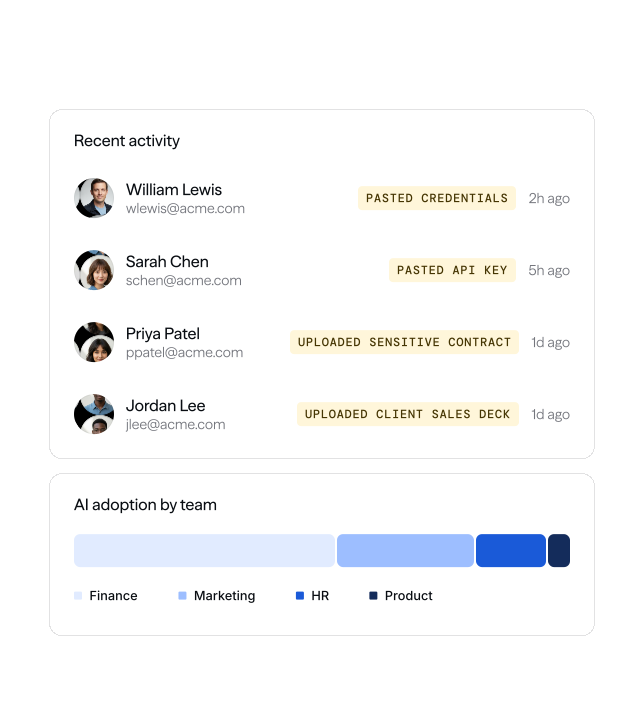
William Lewis
wlewis@acme.com
Pasted credentials
Sarah Chen
schen@acme.com
Pasted API key
Priya Patel
ppatel@acme.com
Uploaded sensitive contract
Zoom
Claude
Gmail
Slack

Full visibility into every AI tool in use across your company, with automatic policy enforcement and real-time employee coaching from day one.


Perplexity
Bose
PayPal
Figma
Ramp
MLB
NHL
Xerox
Perplexity
Bose
PayPal
Figma
Ramp
MLB
NHL
Xerox

Visibility & Control

We surface every AI tool used across your organization, including personal accounts and shadow IT, so you know exactly where your data goes.

Enforce acceptable use policies from day one and coach employees in real time.

With Adaptive AI Governance, your organization can deploy AI without compromising on security.

Make AI your advantage, not your risk.

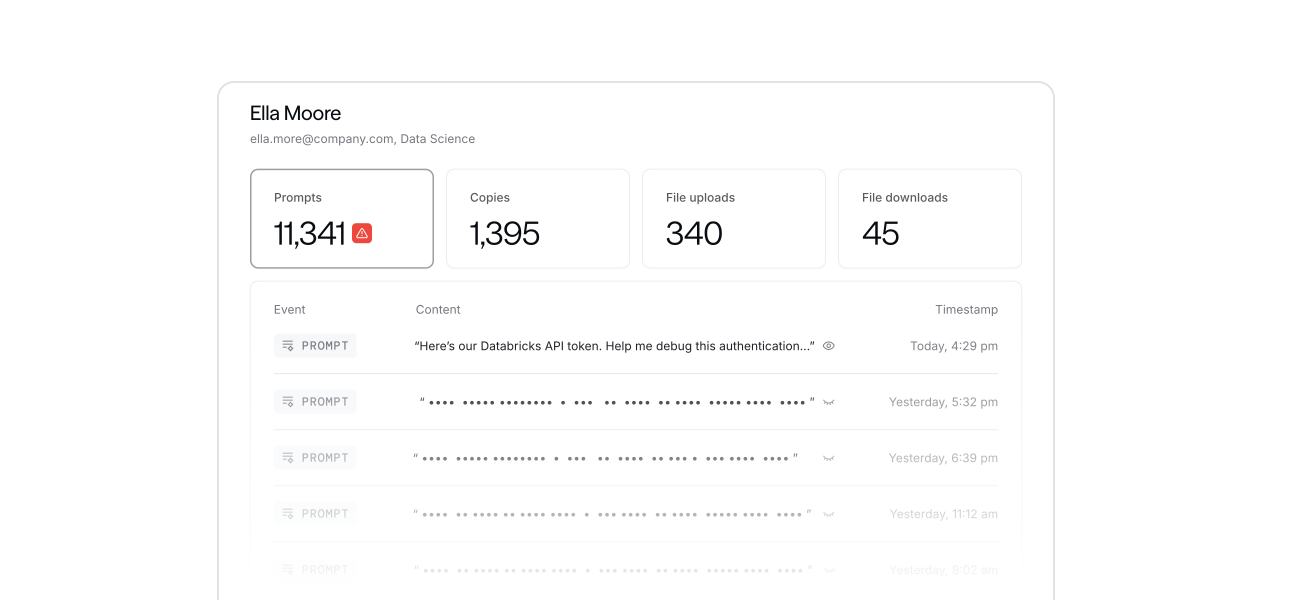
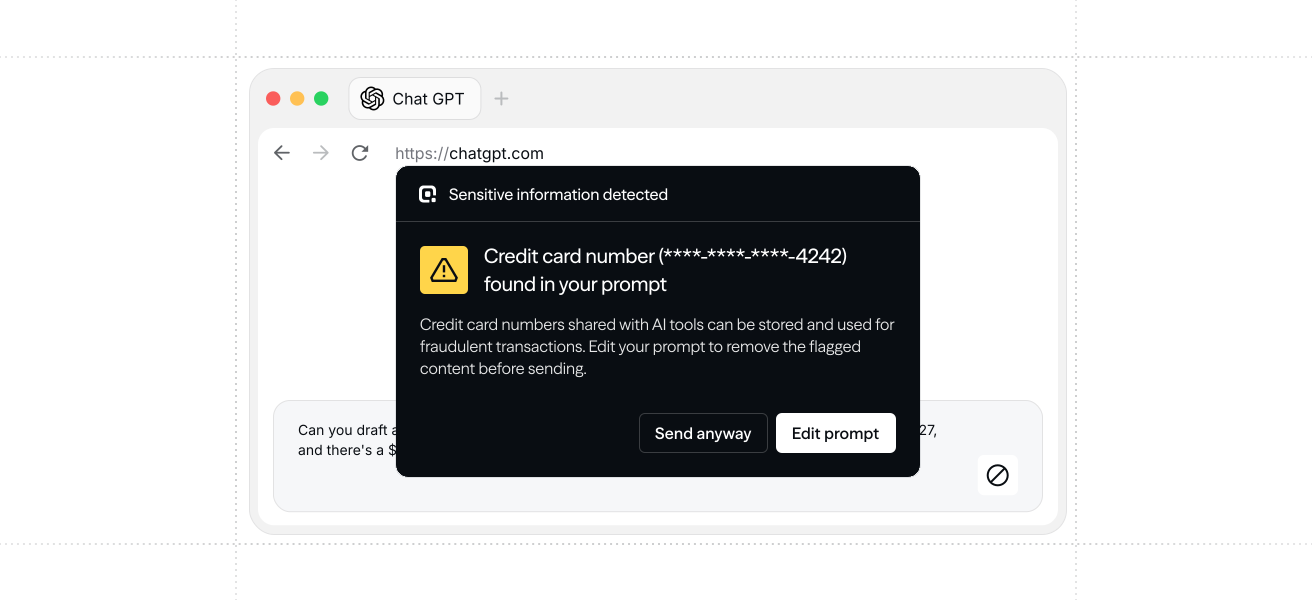
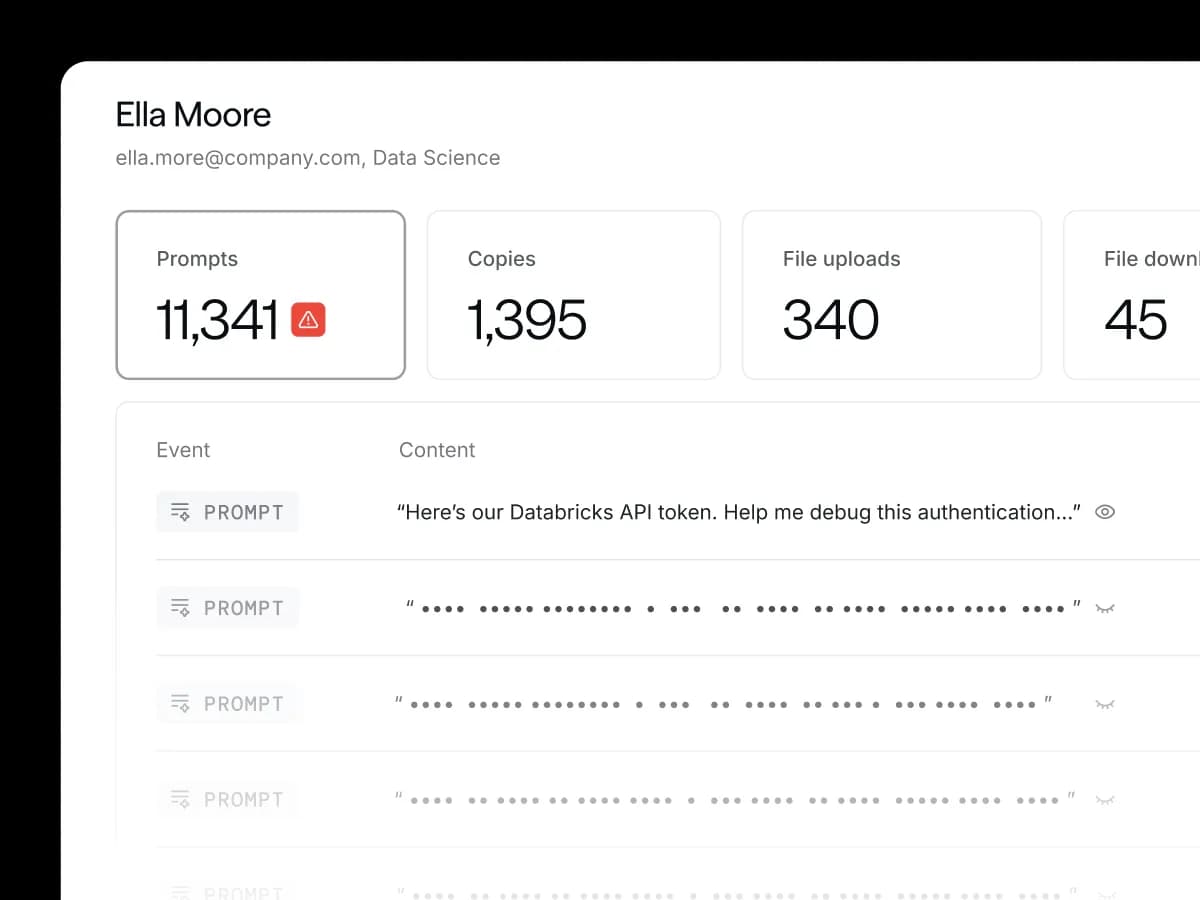
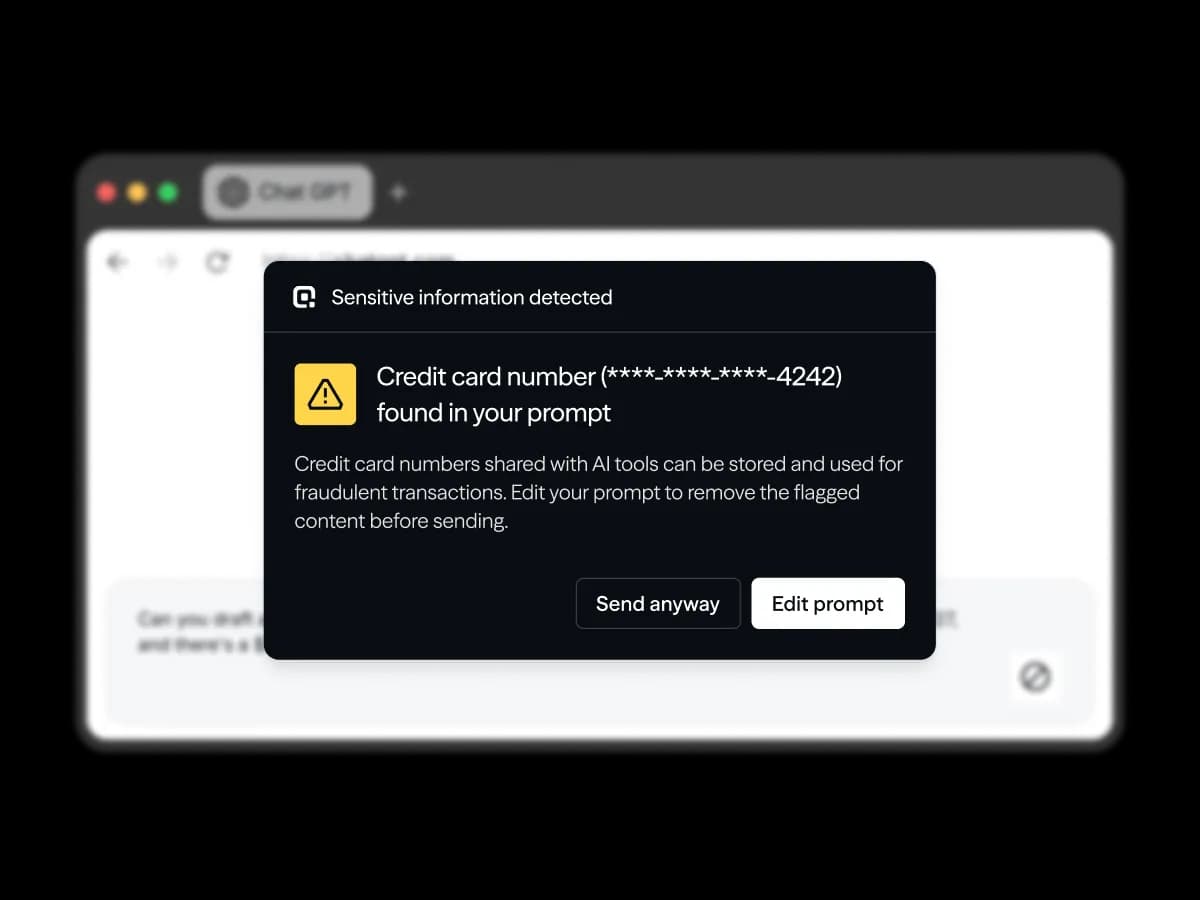
AI governance dashboard flagging 68 data exposure events in ChatGPT with per-employee detectionsPer-employee AI usage detail showing prompts, copies, file uploads, and downloadsIn-browser warning: sensitive information detected in an AI prompt before sending

See how it works.

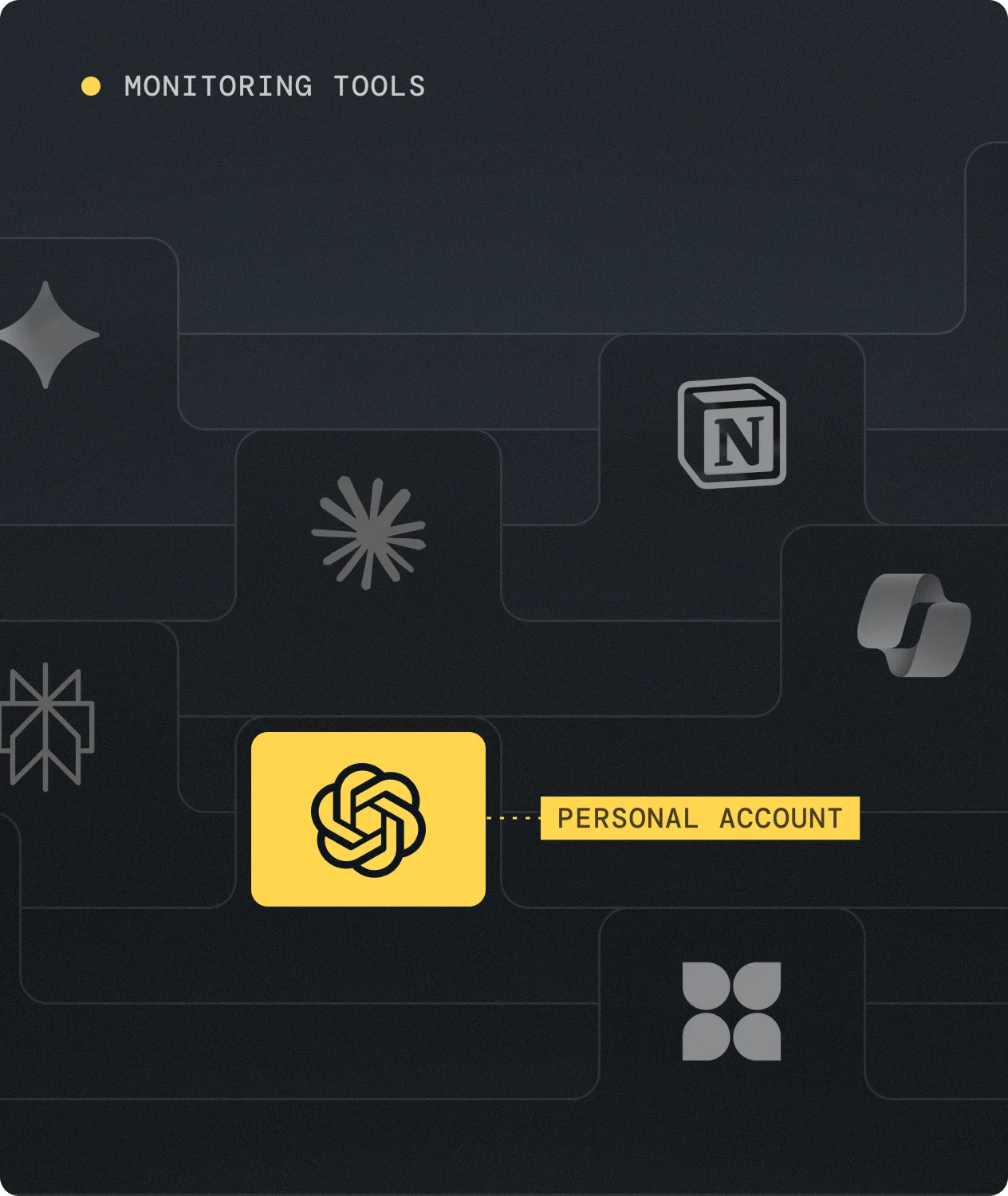
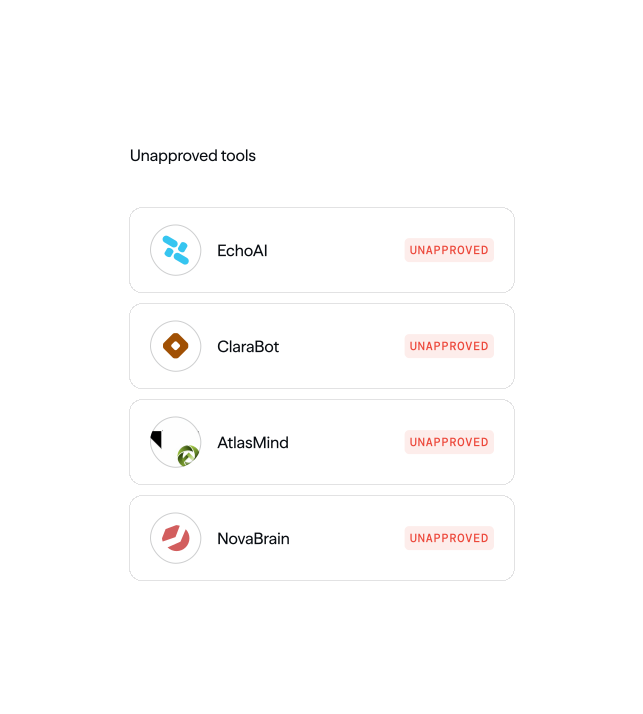
Monitoring tools dashboard with AI app icons and a personal-account flag

1. Discover

Surface every AI and SaaS tool in use across your org with real-time visibility into who's using what.

  • Surface every tool used across your org

  • Flag personal accounts and unapproved software

  • See usage by employee, team, and department
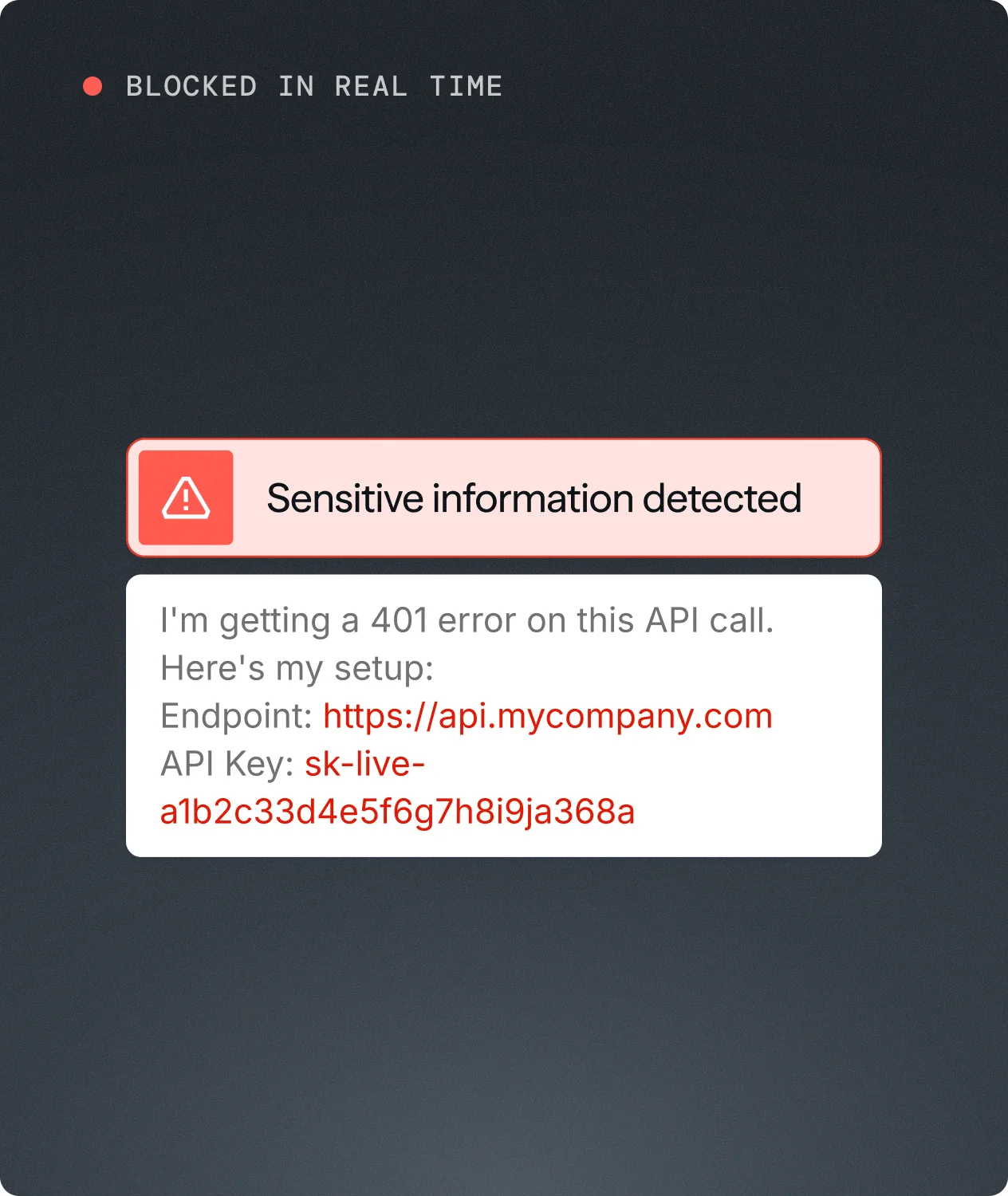
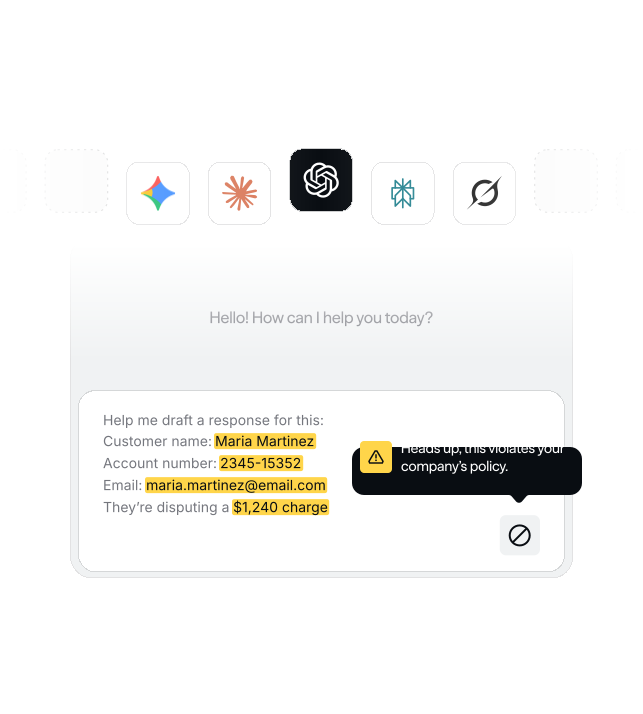
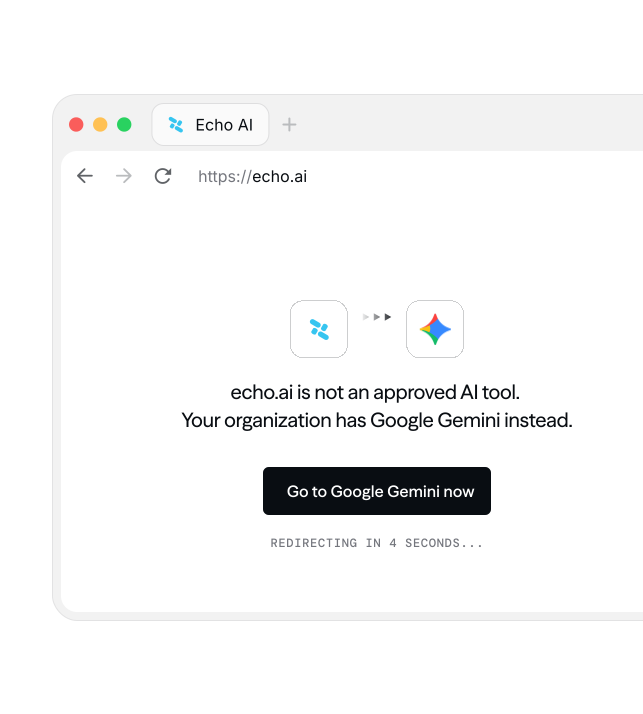
In-browser warning blocking an API key pasted into an AI prompt in real time

2. Protect

Detect risky AI usage before it becomes a data leak, and coach or block employees in the moment.

  • Identify sensitive data being shared with AI tools

  • Block, redirect, or coach employees in the browser

  • Auto-enroll repeat offenders into targeted training
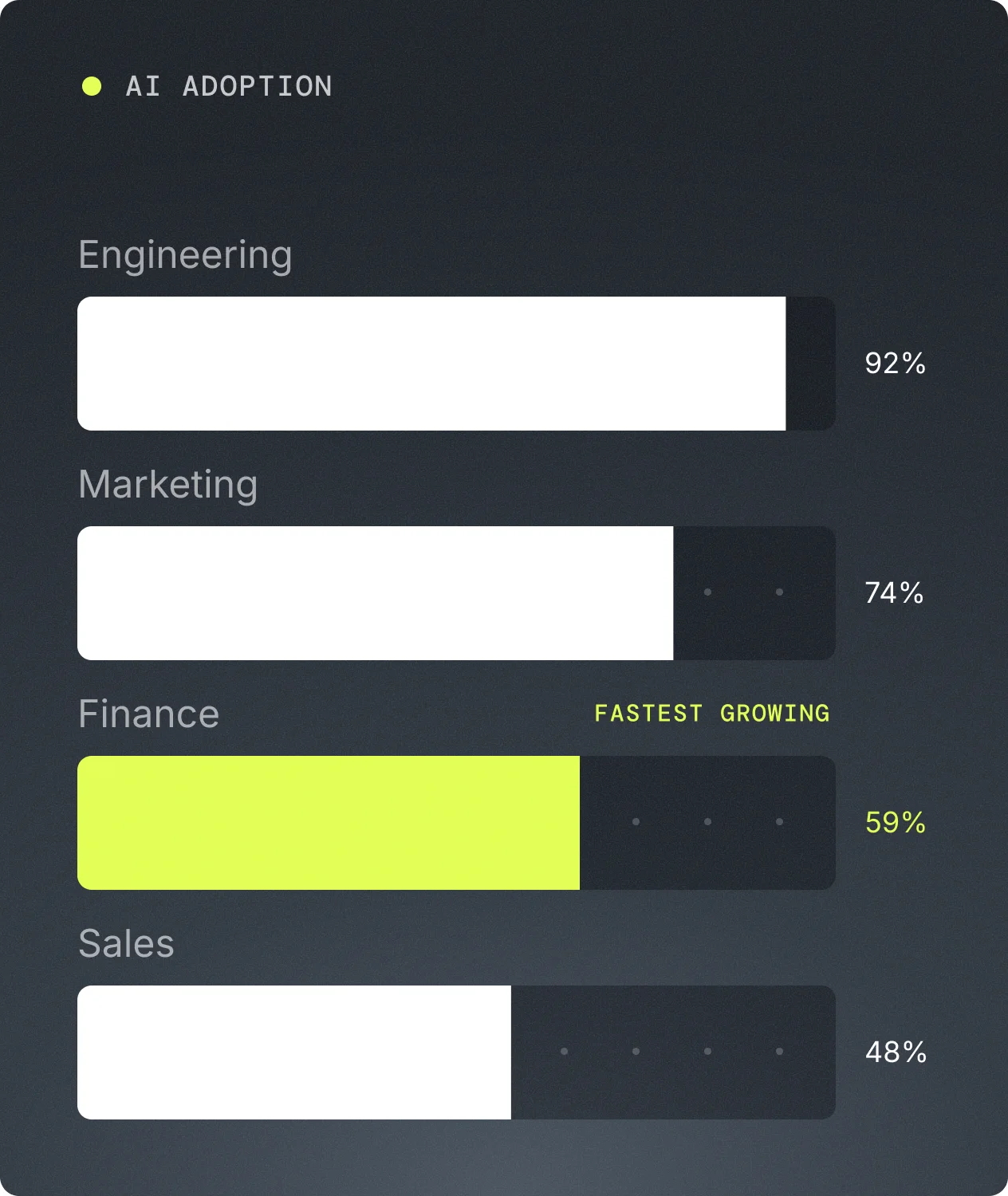
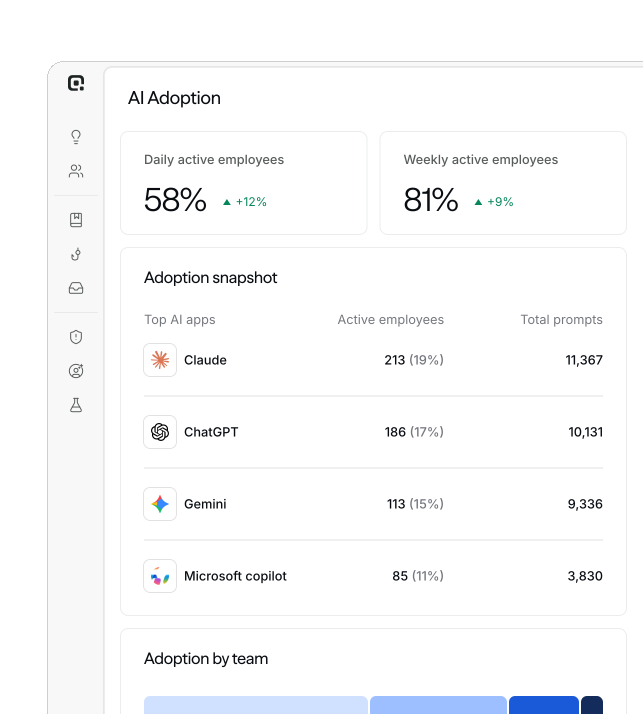
AI adoption chart showing usage by Engineering, Marketing, Finance, and Sales

3. Measure

Understand how AI is actually spreading across your org and where the real productivity gains are.

  • AI adoption metrics by tool, team, and department

  • Uncover top use cases and emerging tools

  • Centralized view of trends over time

AI Governance

AI governance without the blind spots.

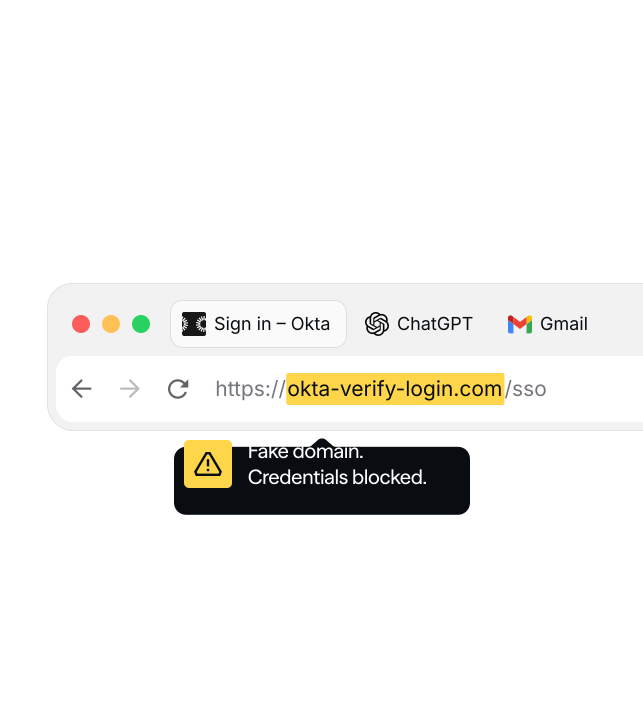
Complete Browser Visibility. See real time browser activity across your organization, including site visits, login attempts, and prompts sent to AI tools. No disruption to the end user.

Browser Security illustration

Employee AI adoption is outpacing your security.

No visibility into AI tool usage

Full visibility into every tool, every employee

Personal and enterprise AI accounts mixed

Enterprise-only AI, enforced

Sensitive data leaking into unapproved AI

Data exposure blocked at the source

No acceptable use enforcement

Policies enforced automatically

No way to measure AI adoption or value

Adoption and ROI metrics

See every AI tool in use across your org, control what data flows where, and turn shadow AI into measurable adoption.


Frequently Asked Questions.

Adaptive AI Governance gives security teams visibility and control over how employees use AI tools and software across the browser, including unsanctioned apps and risky behavior. It automatically enforces acceptable use policies with zero tuning, and coaches employees in real time when a violation occurs.
Adaptive deploys a lightweight browser extension to employee devices that captures browser activity across your organization, including site visits, login attempts, and prompts sent to AI tools. It works across Chrome and Edge, runs silently in the background, and requires no action from employees. Security teams get a full view of which AI tools are in use, by which teams, and how often.
The extension is designed to capture security-relevant signals, not surveil employees. It lives silently in the browser's extensions menu, has no popup, and cannot be disabled by users. Activity is only captured in corporate browser profiles, not personal ones. The data sent back to Adaptive is structured metadata, not raw content like full page bodies or clipboard text.
Yes. AI and shadow IT behavior feeds directly into each employee's Adaptive risk score, so ungoverned AI usage shows up in the same place as phishing simulation results and training completions. When risky behavior is detected, Adaptive can automatically assign targeted training. Governance events can also be forwarded to your SIEM for correlation across your broader security infrastructure.
The extension is force-installed via your existing MDM platform. Adaptive supports Intune (Windows), Google Admin, Jamf, and Kandji. Deployment files are provided by the Adaptive team with your company identifier already built in. The extension can't be disabled by end users once deployed.

Human security for the AI era.