Employee Phishing Reporting
Make reporting suspicious emails an org-wide habit.
Give employees flexible reporting options, reinforce successful simulation reports with immediate feedback, and connect real submissions to automated triage and response.
Explore the Phish Alert Button

Make reporting effortless
Give employees Adaptive’s Phish Alert Button or integrate with their inbox’s native reporting button.
Phish alert buttonReinforce successful simulation reporting
See who reports simulated attacks and deliver specific feedback that rewards the right behavior.
Phishing simulationsTurn employee reports into action
Connect suspicious emails to AI-powered triage that classifies and remediates confirmed threats.
Security Awareness Training




40%
Of leaders considered employees prepared to report AI threats.
Fortinet Security Awareness and Training Report, 2025
~9 in 10
Employees at Lake City Bank now report suspicious email themselves.
Lake City Bank case study
80%
Of customers use Phish Alert Button as their main reporting workflow.
Adaptive customer survey, Feb 2026
A reporting habit grows when employees see their actions matter.
An employee spots a simulation and gets confirmation they were right, while another flags a suspicious email, triggering automated investigation. Adaptive connects reporting, simulations, and Triage so the same action strengthens preparedness and protection.
Make reporting accessible.
Give employees a clear way to flag suspicious messages inside their inbox, with reporting options that fit your org’s existing workflow.
 Report suspicious emails in one click with Adaptive’s Phish Alert Button
- Submit emails directly from employee inboxes
- Use the same reporting option for real threats and phishing simulations
- Route employee submissions into Adaptive Phish Triage for analysis





Reinforce successful reporting.
Adaptive connects employee reports to Simulations, helping teams measure who recognizes attacks and reinforcing successful reporting.
- Identify employees who successfully report simulated phishing
- Deliver feedback confirming that a reported message was a simulation
- Measure reporting alongside clicks and simulation failures
- Use simulation outcomes to identify employees who need targeted training





Turn reports into threat response.
Adaptive Phish Triage analyzes submissions and connects confirmed threats to remediation across affected inboxes.
- Analyze message headers, metadata, content, and threat indicators
- Classify submissions as graymail, spam, benign messages, or threats
- Automatically resolve high-confidence reports and surface messages needing review
- Remediate confirmed threats and notify affected employees




Make reporting accessible.
Give employees a clear way to flag suspicious messages inside their inbox, with reporting options that fit your org’s existing workflow.
- Report suspicious emails in one click with Adaptive’s Phish Alert Button
- Submit emails directly from employee inboxes
- Use the same reporting option for real threats and phishing simulations
- Route employee submissions into Adaptive Phish Triage for analysis
Reinforce successful reporting.
Adaptive connects employee reports to Simulations, helping teams measure who recognizes attacks and reinforcing successful reporting.
- Identify employees who successfully report simulated phishing
- Deliver feedback confirming that a reported message was a simulation
- Measure reporting alongside clicks and simulation failures
- Use simulation outcomes to identify employees who need targeted training
Turn reports into threat response.
Adaptive Phish Triage analyzes submissions and connects confirmed threats to remediation across affected inboxes.
- Analyze message headers, metadata, content, and threat indicators
- Classify submissions as graymail, spam, benign messages, or threats
- Automatically resolve high-confidence reports and surface messages needing review
- Remediate confirmed threats and notify affected employees
Connect employee reporting with simulations and email response.
Bay Federal builds a stronger phishing reporting culture.
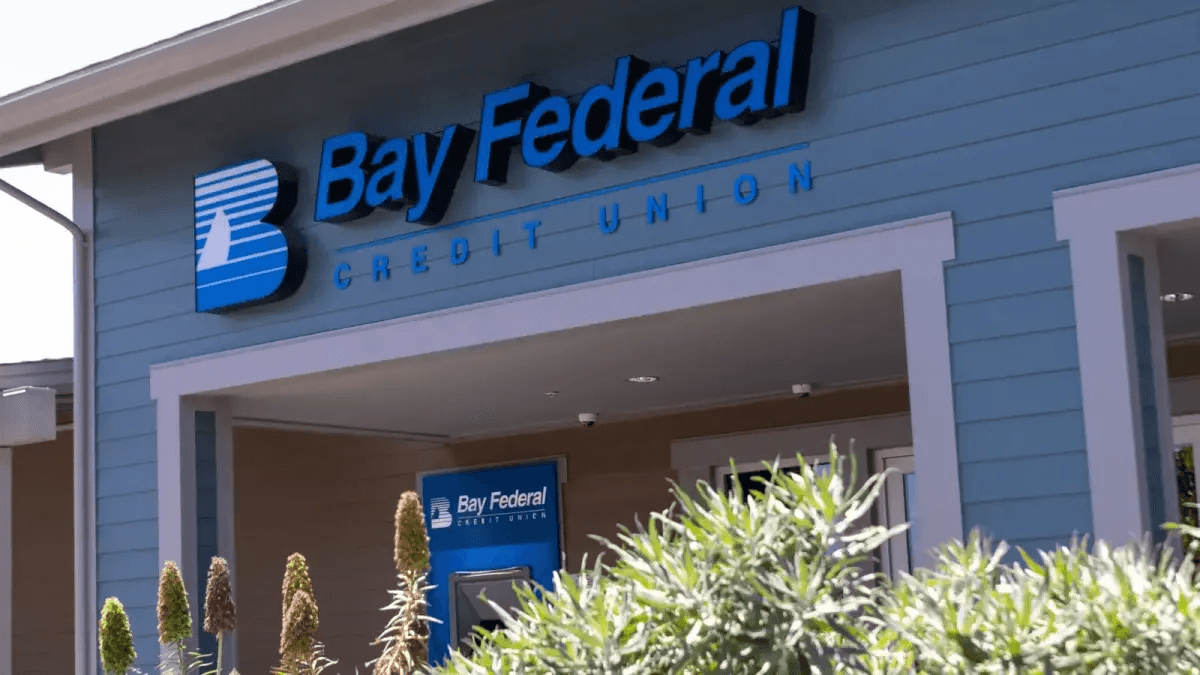

Challenge
Bay Federal needed to prepare employees for evolving phishing attacks while making suspicious messages easier to report without adding manual work for its security team.
Their workflow with Adaptive
Employees use Adaptive’s Phish Alert Button to report suspicious emails in one click. Realistic simulations and training reinforce employee readiness, while Adaptive Phish Triage automatically classifies and resolves high-confidence reports.
The result
Nearly 8 in 10 employees now use the Phish Alert Button. Automated triage resolves the vast majority of reported emails and saves the security team more than an hour each week.
Frequently Asked Questions.
Give every employee a clear way to raise the alarm.
See how Adaptive gives employees flexible reporting options, reinforces successful simulation reporting, and turns suspicious email submissions into automated investigation and response.

