AI Usage Monitoring
See how AI is used across your organization.
Discover AI tools and accounts, understand adoption across teams, and identify activity that puts company data at risk.
Explore AI usage monitoring


Discover tools and accounts
See which AI tools employees use, including unsanctioned apps and personal accounts.
AI governanceUnderstand employee adoption
Track active employees, popular tools, and usage across teams and departments.
ReportingIdentify risky activity
See when prompts, uploads, and source code create potential data exposure.
Data protection




3×
Growth in SaaS generative AI users over the previous year.
Netskope Cloud and Threat Report, 2026
100%
Of AI Governance deployments showed at least 1+ personal account.
Adaptive platform data
45%
Of employees used AI on corporate devices, up from 15% last year.
Verizon DBIR, 2026
An approved tool list doesn’t show how employees actually use AI.
Employees may switch between tools, sign into personal accounts, or use AI through desktop apps and developer workflows. Adaptive gives a view of AI activity to understand adoption, exposure, and make policy decisions.
Discover actual AI use.
Adaptive AI Governance reveals the tools and accounts employees use across browsers, desktop apps, and developer workflows.
 Discover sanctioned and unsanctioned AI tools
- Distinguish company and personal accounts
- See which employees use each tool
- Identify shadow AI outside your approved tool list


Measure adoption across teams.
Adaptive shows where AI use is growing and how adoption differs across your organization.
- Track daily and weekly active employees
- Compare adoption across teams and departments
- See popular AI tools and prompt volumes
- Understand how usage changes over time

Understand data exposure.
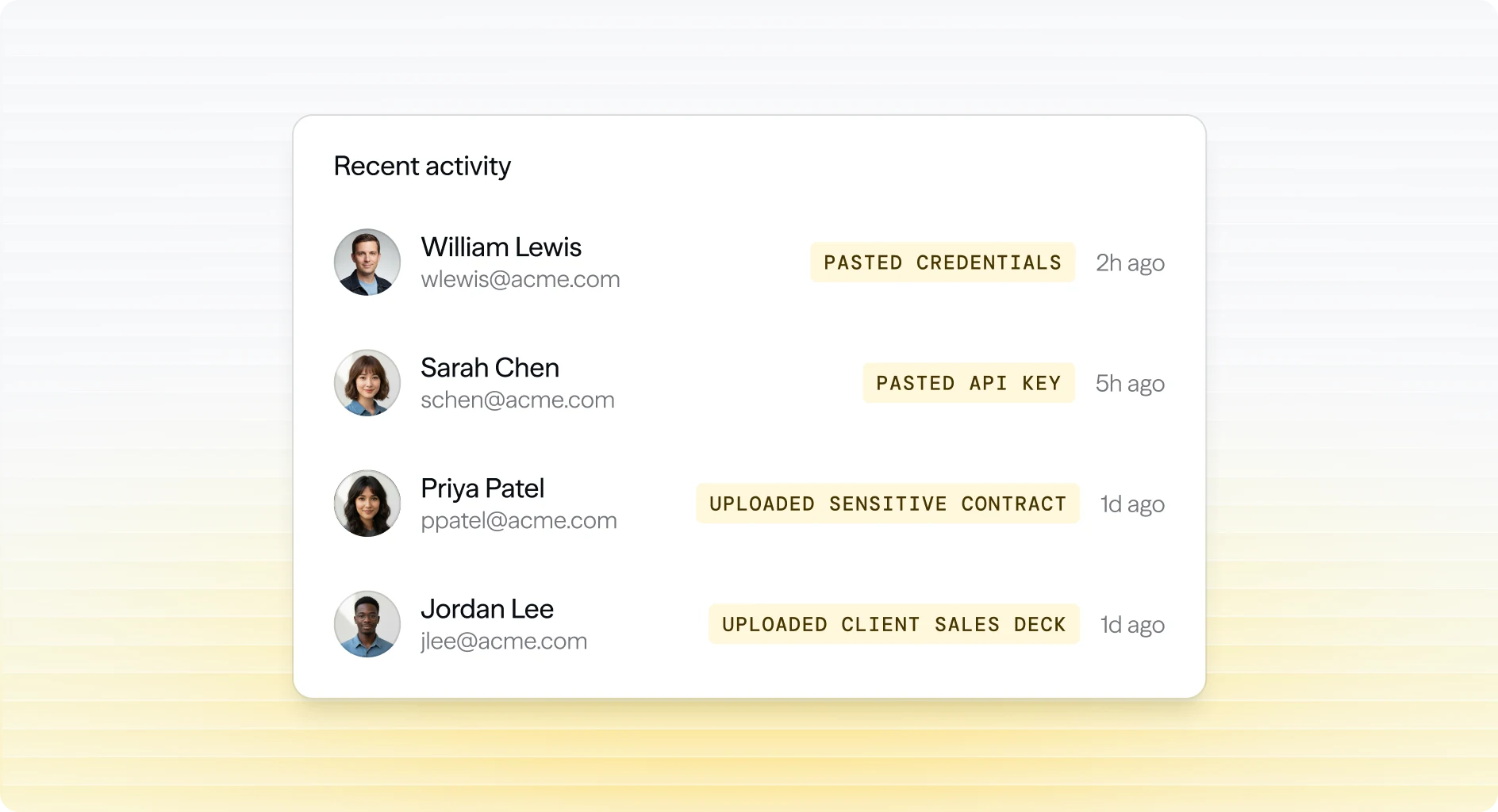
Adaptive connects AI usage with the prompts, files, and code employees share to help security teams identify what needs attention.
- See prompts, file uploads, and source code shared with AI
- Identify sensitive pastes and risky sharing
- Understand exposure through personal AI accounts
- Use activity context to inform policies and employee guidance
Discover actual AI use.
Adaptive AI Governance reveals the tools and accounts employees use across browsers, desktop apps, and developer workflows.
- Discover sanctioned and unsanctioned AI tools
- Distinguish company and personal accounts
- See which employees use each tool
- Identify shadow AI outside your approved tool list
Measure adoption across teams.
Adaptive shows where AI use is growing and how adoption differs across your organization.
- Track daily and weekly active employees
- Compare adoption across teams and departments
- See popular AI tools and prompt volumes
- Understand how usage changes over time
Understand data exposure.
Adaptive connects AI usage with the prompts, files, and code employees share to help security teams identify what needs attention.
- See prompts, file uploads, and source code shared with AI
- Identify sensitive pastes and risky sharing
- Understand exposure through personal AI accounts
- Use activity context to inform policies and employee guidance
Connect AI visibility with policies and education.
Frequently Asked Questions.
Make AI decisions with a clear view of actual use.
See how Adaptive helps your organization discover AI activity, understand employee adoption, and identify data exposure across tools and accounts.

