Spoofing vs Phishing: What Is the Difference?
 Adaptive Team

Key takeaways
- Spoofing is about source or identity. It makes an email, domain, caller, website, or network address appear to be something it is not.
- Phishing is about persuading a person to act. The attacker wants the target to click, sign in, share information, transfer money, or install malware.
- The techniques often appear together. Spoofing can supply a credible identity for a phishing lure, so defenses must combine technical controls with independent verification and realistic training.
Spoofing and phishing are related cybersecurity threats, but they aren’t interchangeable.
Spoofing falsifies identity or origin. Phishing uses deception to persuade someone to take an action that benefits the attacker. The two often occur in the same incident, though.
A phishing email is more convincing when it appears to come from a boss, bank, vendor, or IT department. However, spoofing can target a technical system without phishing a person, and a phishing message can succeed without forging its source.
Spoofing vs Phishing: Comparison Overview
| Spoofing | Phishing | |
|---|---|---|
| Core Technique | Disguises a source or identity | Manipulates a person into acting |
| Primary Target | People or technical systems | People |
| Victim Interaction | Not always | Required for success |
| Common Examples | Email, display name, caller ID, website, IP address | Email phishing, spear phishing, smishing, vishing |
| Objective | Appear trusted, conceal origin, or bypass a control | Steal credentials or data, redirect money, or deliver malware |
The rule is this: Spoofing changes who or where something appears to come from, while phishing changes what the target does.
What is Spoofing?
Spoofing is the practice of falsifying or disguising the source of a communication, website, or network connection. The attacker wants a person or system to believe something originated somewhere it did not.
For an employee, that might be an email with an executive's display name or a call showing a vendor's number. At the technical level, spoofing may alter network data without involving an employee.
Common Spoofing Examples
- Email or Domain Spoofing: Forges sender information so a message appears to come from a trusted address or domain.
- Display-Name Spoofing: An unrelated account uses the name of an executive, colleague, vendor, or department.
- Caller-ID Spoofing: A phone call displays a false name or number. The FTC warns that scammers can make caller ID show a recognizable organization or local number.
- Website Spoofing: A fake site copies a legitimate brand or login page to appear authentic.
- IP Spoofing: Network packets carry a falsified source IP address.
For a deeper explanation of these techniques, examples, and controls, read what spoofing is and how to prevent it.
What is Phishing?
Phishing is a social engineering attack that uses a deceptive message or interaction to manipulate someone into taking a harmful action. The attacker may ask the target to enter credentials on a fake page, open an attachment, transfer money, share sensitive information, or approve access.
Every phishing attack relies on a persuasive reason to act. Common lures use urgency, authority, fear, curiosity, or an expected business process. A phishing attempt doesn't have to spoof a legitimate domain; a convincing story from a new or compromised account may be enough.
Common Phishing Examples
- Email Phishing: A deceptive email directs recipients to a malicious link, attachment, payment request, or reply.
- Spear Phishing: A tailored message targets a particular person or group using relevant context. See the spear phishing vs. phishing comparison.
- Smishing: SMS phishing uses text messages or messaging apps.
- Vishing: Voice phishing uses calls, voicemail, or VoIP; attackers may add AI-generated voices to strengthen an impersonation.
CISA describes phishing as a tactic used to get people to open malicious attachments or share personal information and advises users to recognize and report suspicious messages.
What is the Main Difference Between Spoofing & Phishing?
The main difference between spoofing and phishing is what the technique manipulates. Spoofing manipulates an identity or source, while phishing manipulates human behavior.
Consider an email that appears to come from a company's CFO and asks an employee to open a fake document and sign in:
- The forged sender or lookalike domain is spoofing.
- The story, urgency, and request to sign in are phishing.
- The credential-harvesting page may also use website spoofing.
One incident can therefore contain several layers of deception. The FBI has explained the distinction similarly: spoofing makes an email or site look legitimate, while phishing prompts the recipient to click or provide information.
How Attackers Use Spoofing & Phishing Together
Phishing requires trust or attention. Spoofing can provide it.
A message that appears to come from a known executive, vendor, bank, or service starts with credibility that an unfamiliar sender would have to build.
This combination is common in business email compromise. The FBI's BEC guidance describes messages that appear to come from known sources and make seemingly legitimate requests. In 2025, the FBI's Internet Crime Complaint Center recorded 24,768 BEC complaints and approximately $3.05 billion in reported losses. BEC is a broader fraud category than spoofing or phishing alone, but the IC3 figures show the cost of attacks that exploit trusted business identities and workflows.
AI can make the combination more persuasive. A false number may be paired with a cloned voice, or a phishing conversation may include synthetic audio or video. Adaptive Security's guide to AI deepfake phishing explains how these channels reinforce one another.
How Do I Identify Spoofing & Phishing?
The same message may contain signs of both spoofing and phishing, so check the identity signals and the requested action.
Signs of Spoofing
- The display name is familiar, but the full address is unrelated.
- The domain contains a subtle spelling change, extra character, or different ending.
- The visible From address and Reply-To address do not match.
- A call shows a trusted number, but the caller asks for an unexpected action.
- A login page copies a familiar brand but uses the wrong domain.
- Email authentication or routing data conflicts with the sender's claim.
Security teams can use email header analysis to compare SPF, DKIM, DMARC, Reply-To, and routing information, while recognizing that a compromised account or lookalike domain may still authenticate successfully.
Signs of Phishing
- The message pressures the recipient to act before checking.
- It requests credentials, authentication codes, payment changes, sensitive files, or a policy exception.
- The link destination differs from the text or expected service domain.
- The attachment, QR code, or login prompt is unexpected.
- The sender discourages normal verification or moves the conversation to a personal channel.
- The request doesn't fit the supposed sender's role, tone, timing, or usual process.
Grammar and visual polish are weak indicators on their own. Modern attacks can be professionally written and accurately branded. A more reliable question is whether you can independently verify the identity and request.
Defending Against Spoofing & Phishing: Key Differences
Spoofing defenses focus on validating identity and origin. Phishing defenses focus on preventing, detecting, and safely responding to manipulative requests. Effective programs need both.
Technical Controls for Spoofing
- Configure SPF and DKIM for legitimate email senders and move DMARC toward an appropriate enforcement policy. Adaptive's email authentication guide covers how these protocols work together.
- Monitor for lookalike domains, brand abuse, and suspicious reply or routing patterns.
- Label external messages where appropriate and make full sender details easy to inspect.
- Protect legitimate accounts with phishing-resistant MFA, least privilege, and monitoring for anomalous sign-ins and mailbox rules.
Behavioral & Process Controls for Phishing
- Require independent verification for payment changes, sensitive-data transfers, credential requests, and procedural exceptions.
- Give employees a simple reporting path and investigate reports quickly. CISA advises people to report and delete phishing messages rather than engage.
- Use filtering, endpoint protection, safe browsing, and identity controls to limit what a successful click or stolen password can accomplish.
- Run realistic phishing simulations across email, voice, and video, followed by timely coaching.
Is Spoofing More Dangerous Than Phishing?
Neither is universally more dangerous because they describe different functions. Spoofing can enable technical attacks or make impersonation credible. Phishing can steal credentials, money, data, or system access even when the source is not spoofed.
Risk depends on the attacker's objective, the target, the controls in place, and whether the techniques are combined. Defenders should avoid ranking them and instead close both gaps: false identity signals and manipulative requests.
Stop False Identity & Harmful Action
Knowing the difference makes an attack easier to analyze. Spoofing creates the false source; phishing supplies the reason to act. Technical authentication can reduce some forms of spoofing, while verification procedures and practiced employee judgment address the attacks that still reach people.
Adaptive Security helps organizations prepare employees for phishing and impersonation attempts across email, voice, and deepfake video through personalized simulations and security awareness training.
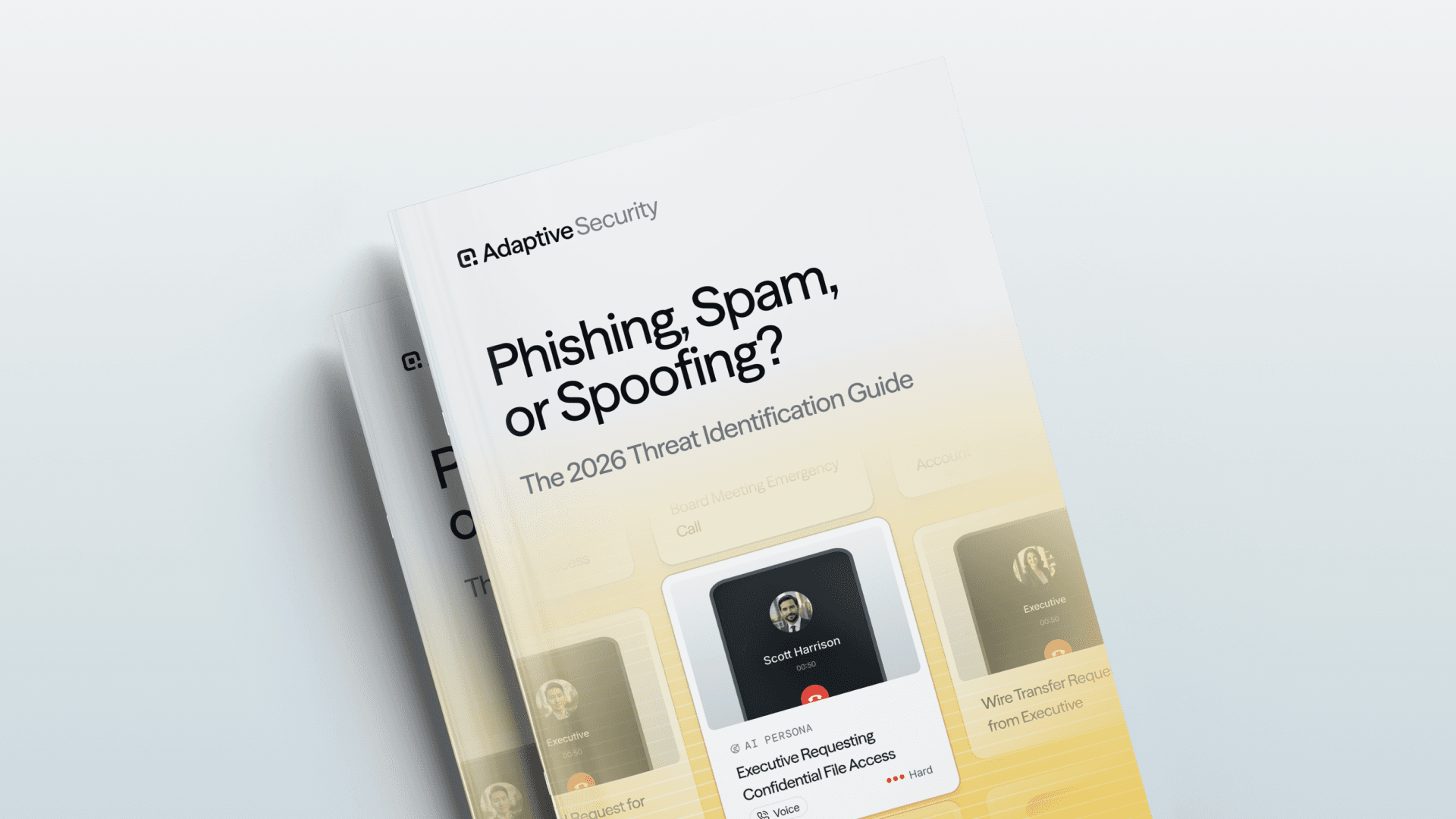
For a broader breakdown, check out Phishing, Spam, or Spoofing? The 2026 Threat Identification Guide. It compares the three threat types, explains where they overlap, and maps the technical and behavioral defenses for each.
Frequently Asked Questions
Are spoofing and phishing the same thing?
No. Spoofing disguises identity or origin, while phishing deceives a person into taking an action. They frequently appear together in the same attack.
Is email spoofing always phishing?
No. Email spoofing describes the falsified sender identity. It becomes part of phishing when the message also tries to manipulate the recipient into clicking, sharing information, transferring money, or taking another harmful action.
Is a lookalike domain the same as email spoofing?
Not exactly. Direct domain spoofing forges a legitimate domain. A lookalike domain is a separate domain the attacker registers and controls. To a recipient, both can create a false impression of who sent the message.
What is an example of spoofing and phishing used together?
An attacker sends an invoice email that impersonates a trusted vendor and asks accounts payable to update bank details. The impersonation may use a spoofed sender address, while the fraudulent payment request is phishing.
Can phishing occur by phone or text?
Yes. Voice phishing is called vishing, and phishing through text messages is called smishing. Either may use spoofed phone numbers or false profiles to appear trustworthy.
Do SPF, DKIM, and DMARC stop phishing?
They can reduce phishing that directly spoofs a protected email domain. They don’t stop every phishing message, including attacks from lookalike domains, compromised accounts, text messages, calls, or other channels.
What should an employee do with a suspected spoofed phishing message?
Don’t reply, click, call a number in the message, or use its contact details to verify it. Report the message through the organization's approved channel and confirm any sensitive request using trusted contact information.
How should organizations train employees on both threats?
Training should teach employees to inspect identity signals, recognize manipulative requests, independently verify high-risk actions, and report quickly. Simulations should cover email, text, voice, and deepfake scenarios instead of relying only on generic email templates.
As experts in cybersecurity insights and AI threat analysis, the Adaptive Security Team is sharing its expertise with organizations.
Related articles

Cybersecurity Awareness Training Program Outline: A Complete Guide to Reducing Human Risk and Measuring Behavior Change

Enterprise Cybersecurity Awareness Training Platform: Features, Evaluation, and Buyer Criteria for Measurable Risk Reduction

