Whaling Phishing: How to Detect, Prevent, and Respond to Executive Attacks
 Adaptive Team
Read summarized version with
 ChatGPT
 Perplexity
 Gemini
 Claude
 Grok
Grok
Key takeaways
- Whaling phishing is a highly targeted form of spear phishing aimed at executives and other people whose access, authority, or information makes them especially valuable.
- The strongest warning signs are behavioral, not cosmetic: unusual urgency, secrecy, changed payment details, requests to bypass policy, or a sudden move to another communication channel.
- Effective defense combines phishing-resistant account security, independent verification, approval controls, and realistic training across email, voice, and video.
Phishing attacks are usually a numbers game. Send enough fake password resets, invoices, or account warnings, and eventually someone will click.
Whaling, a type of phishing attack, takes a different approach. Attackers choose someone with significant authority or access, learn enough about that person and their organization to be convincing, and tailor the attack.
Executives are obvious targets, but the danger doesn’t stop with the person whose name is on the office door. Attackers can also impersonate executives to pressure assistants, finance teams, IT staff, legal teams, and others into sending money, sharing sensitive information, or making an exception to normal security procedures.
Email is still a common starting point, but modern whaling attacks can move through text messages, phone calls, collaboration platforms, and deepfake video. That makes detection about verifying the request, not simply spotting a suspicious-looking email.
What is Whaling Phishing?
Whaling phishing is a highly targeted form of spear phishing aimed at senior executives, board members, and other high-value individuals within an organization. CEOs and CFOs are common targets, but anyone with unusual access, decision-making authority, or control over sensitive information can attract attention.
The name comes from attackers pursuing a particularly valuable target, the ‘big fish,’ instead of casting a wide net.
Money is an obvious motivation, but it isn’t the only one. Depending on their role, an executive might have access to financial records, strategic plans, legal communications, employee data, customer information, or details about transactions not yet publicly announced.
Their authority can be just as useful. A request that would seem strange coming from an unfamiliar employee may get a very different reaction when it appears to come from the CEO.
Sometimes the executive is the target. Other times, the executive is the disguise.
Whaling vs Phishing vs Spear Phishing
The main difference between phishing, spear phishing, and whaling is how narrowly the attack is targeted and who it’s designed to fool.
| Attack Type | Targeting | Typical Target | Example |
|---|---|---|---|
| Phishing | Broad, high-volume | Any employee or consumer | A generic password-reset email sent to thousands of recipients |
| Spear Phishing | Personalized to an individual or group | Any employee with useful access or information | A fake vendor request tailored to an accounts payable employee |
| Whaling | Highly personalized and executive-focused | A senior leader, board member, or other high-authority person | A confidential acquisition request designed to fool a CFO |
Traditional phishing is built for volume. It doesn’t matter if most recipients ignore the message because the attacker only needs a small percentage to respond.
Spear phishing is more personal. The attacker chooses a particular person or group and tailors the message using information that makes it believable, such as an employer, job responsibility, coworker, vendor, or current project.
Whaling applies that targeted approach to executives and other high-value targets. It also overlaps considerably with CEO fraud and business email compromise (BEC). CEO fraud typically involves impersonating an executive to manipulate another employee.
In a strict whaling attack, the executive or similarly high-value person is the direct target.
But the lines can blur. An attacker might use whaling to steal an executive's email credentials, take over the account, and then send legitimate-looking payment instructions to the finance department. At that point, the campaign has moved from whaling into account takeover and BEC.
Why Do Attackers Target Executives?
Executives have something attackers want: access, information, money, or the authority to get someone else to provide it.
They’re also surprisingly easy to research. Company websites, regulatory filings, conference appearances, LinkedIn, press releases, and other public sources can reveal reporting relationships, business initiatives, travel, vendors, and communication patterns.
An attacker doesn’t need to uncover an enormous corporate secret. A collection of small, publicly available facts is often enough.
Suppose an attacker learns that the CFO is traveling and the company recently announced an acquisition. That context can make a fake request about an urgent acquisition payment sound more convincing.
Employees are accustomed to senior leaders making decisions they aren't involved in and discussing projects they don't know about, and attackers turn that normal information gap into part of the deception.
What Does a Whaling Attack Look Like?
Imagine someone in finance receives an email that appears to come from the CFO.
The CFO is traveling, which the employee already knows. The message says she is working on a confidential transaction and needs help handling a payment before the end of the day. Because the deal hasn’t been announced, the employee is told not to discuss it with anyone else.
That first message may contain nothing obviously malicious: no attachment, login page, or glaring error. The attacker may even mention the company's real outside counsel or another executive involved in the supposed transaction.
The employee replies. New wiring instructions arrive. The deadline becomes more urgent. The conversation may move to text or WhatsApp because the CFO is supposedly having trouble with email while traveling.
Each step makes the next one easier to accept. The attacker has also explained away the warning signs: the urgency comes from a deadline, the secrecy from the confidential deal, and the unusual channel from the executive being out of town.
That’s why well-researched whaling phishing can be so effective. The attacker isn’t simply asking someone to ignore warning signs. The pretext is designed to make those signs feel reasonable.
Whaling Isn’t Just an Email Problem Anymore
Email remains a common starting point, but impersonation doesn't have to stay there. Voice cloning can imitate an executive on a phone call. Deepfake video can put a familiar face into a fraudulent meeting. Generative AI can produce polished messages that reflect the tone and context of a real business conversation.
This isn’t a theoretical concern. In a 2025 survey of 302 cybersecurity leaders, Gartner found that 62% of respondents said their organizations had experienced a deepfake attack involving social engineering or the exploitation of automated processes during the previous 12 months.
The losses are real too. In 2024, an employee at engineering firm Arup transferred HK$200 million (about $25 million at the time) after joining an AI-generated video call in which fake voices and images of senior company officials appeared to authorize the payments, according to reporting confirmed by Arup.
Recognizing the person's voice isn’t enough. Seeing their face on a video call isn’t enough, and a message that sounds exactly like something the CEO would write isn’t enough either.
That makes independent verification more important whenever someone is asked to move money, disclose sensitive information, provide credentials, or ignore an established process. It also changes what useful security awareness training looks like. Employees who only practice spotting suspicious email links don't get experience with an attack that arrives by text or a phone call that sounds like their boss.
Adaptive Security can simulate AI deepfake phishing and other social engineering across email, voice, and video. The goal is to give employees practice dealing with the pressure and uncertainty that make impersonation attacks work.
7 Warning Signs of a Whaling Attack
A good whaling attempt may look professional and contain accurate information, so spelling mistakes and bad formatting are no longer reliable detection methods.
Pay closer attention to what the sender is asking you to do and why.
- Everything suddenly has to happen right now. Urgency gives you less time to think, verify the request, or ask someone else about it.
- You’re told to keep the request to yourself. A real, confidential project may require discretion, but secrecy also keeps a potential victim from checking with coworkers.
- Normal procedures supposedly don’t apply this time. The message may provide an elaborate explanation for skipping an approval, verification step, or other safeguard.
- Payment details unexpectedly change. New bank accounts, last-minute wiring instructions, and changes to established vendor information deserve independent verification.
- The conversation suddenly moves somewhere else. An unexpected request to continue through text, WhatsApp, a personal email account, or another platform can be significant.
- Something about the sender doesn’t match. Check the actual email address, reply-to information, domain spelling, account history, and other details instead of relying on a display name or profile photo.
- The request doesn’t fit the person's normal behavior. An executive asking for something far outside the usual process is a reason to verify, even if every technical detail looks legitimate.
None of these signs proves someone is being impersonated. That’s why verification is more dependable than trying to memorize a perfect list of phishing clues.
How to Prevent Whaling Attacks: 5 Tips
Whaling exploits both technical weaknesses and human behavior, so stopping it requires layered defenses rather than a single email filter.
1. Verify Sensitive Requests Through a Trusted Channel
If someone asks for money, credentials, sensitive information, changed payment details, or an exception to normal procedure, verify the request through a communication method you already trust.
If the CFO sends an unusual payment request by email, don’t verify it by replying to the same message. Don’t call a number included in the request, either. Use a known internal number, established contact information, or another independent method.
This aligns with CISA's guidance on avoiding social engineering, which recommends using independently obtained contact information rather than details connected to the suspicious request.
2. Protect Executive & Privileged Accounts
Multi-factor authentication should be standard for executive and privileged accounts. When possible, use phishing-resistant methods. CISA identifies FIDO/WebAuthn as the widely available phishing-resistant authentication option and urges organizations to plan a move toward it.
Security teams should also monitor for unusual logins, unexpected account changes, new forwarding rules, session anomalies, and other signs that an executive account has been compromised.
SPF, DKIM, and DMARC can reduce some forms of email spoofing. Adaptive Security's guide to DMARC policies explains what those controls do and where their protection ends.
No technical control makes impersonation impossible. An attacker can use a lookalike domain, compromise a legitimate account, or move the attack to another channel. Think of technical controls as layers, not guarantees.
3. Don’t Let Authority Override the Process
A large wire transfer shouldn’t depend on one person's approval, no matter whose name appears on the request.
Multiple approvals, independent verification of changed payment information, transaction thresholds, and clear procedures for unusual financial requests create barriers an attacker must overcome. Those rules need to apply when the CEO makes the request too.
Leadership support matters. Employees should know that pausing to verify an executive request is part of the process, not an act of insubordination.
4. Review What’s Publicly Available
Eliminating the executive team's public presence is neither realistic nor desirable. But it’s still worth understanding which operational details are publicly exposed.
Travel plans, reporting relationships, business partners, speaking engagements, and upcoming initiatives can all become ingredients in a convincing pretext. Individually, the details may seem harmless. Attackers care about what they can build when they put them together.
5. Give Employees Realistic, Role-Specific Practice
Recognizing a suspicious link is only part of the job. A whaling attack may test whether someone is willing to question an authority figure, resist a believable emergency, protect a supposed secret, or verify a request that arrives by phone instead of email.
Training should give people experience with those situations before money or sensitive information is at risk. That includes executives and the people around them: assistants, finance employees, IT administrators, legal teams, and others who regularly receive leadership requests.
Adaptive Security's multi-channel phishing simulations can expose employees to personalized scenarios across email, SMS, voice, and video. Organizations can also use executive security awareness training to address the risks created by leadership access, authority, and public visibility.
What to Do If a Whaling Attack Succeeds
Move quickly as soon as a whaling attack is identified, but preserve enough information to understand what happened.
Contact the Financial Institution Immediately
If money has been sent, contact the financial institution immediately and ask whether the payment can be stopped, recalled, or frozen. Alert the appropriate internal security, legal, and finance teams at the same time.
The FBI's business email compromise guidance recommends contacting the financial institution immediately and reporting the incident to the Internet Crime Complaint Center at IC3.gov.
Contain Compromised Accounts
If someone shared credentials, reset the password, revoke active sessions, review MFA settings, and determine whether the attacker changed forwarding rules, recovery information, or permissions. Then investigate what the account accessed and whether the attacker used it to target anyone else.
Preserve Evidence & Find the Control Failure
Keep emails, text messages, phone records, payment information, meeting invitations, chat logs, and other communications. Those records can help responders reconstruct the attack and identify additional targets.
Then determine why the attack worked. Someone may have bypassed an approval process. An account may already have been compromised. An employee may have lacked a safe, simple way to verify an unusual request.
Fixing that weakness is part of the response. Otherwise, the attacker may not need a new trick next time.
Prepare for Whaling Phishing Attacks That Look Real
Whaling phishing works because the request feels believable when someone has to decide quickly.
Security controls can remove some of those decisions or make them safer. Strong authentication protects accounts. Payment controls make fraudulent transfers harder. Independent verification can expose an impersonation before anything leaves the organization.
Executives still need to recognize when to stop and verify. Adaptive Security helps organizations build that instinct with personalized social engineering simulations across email, SMS, voice, and deepfake video.
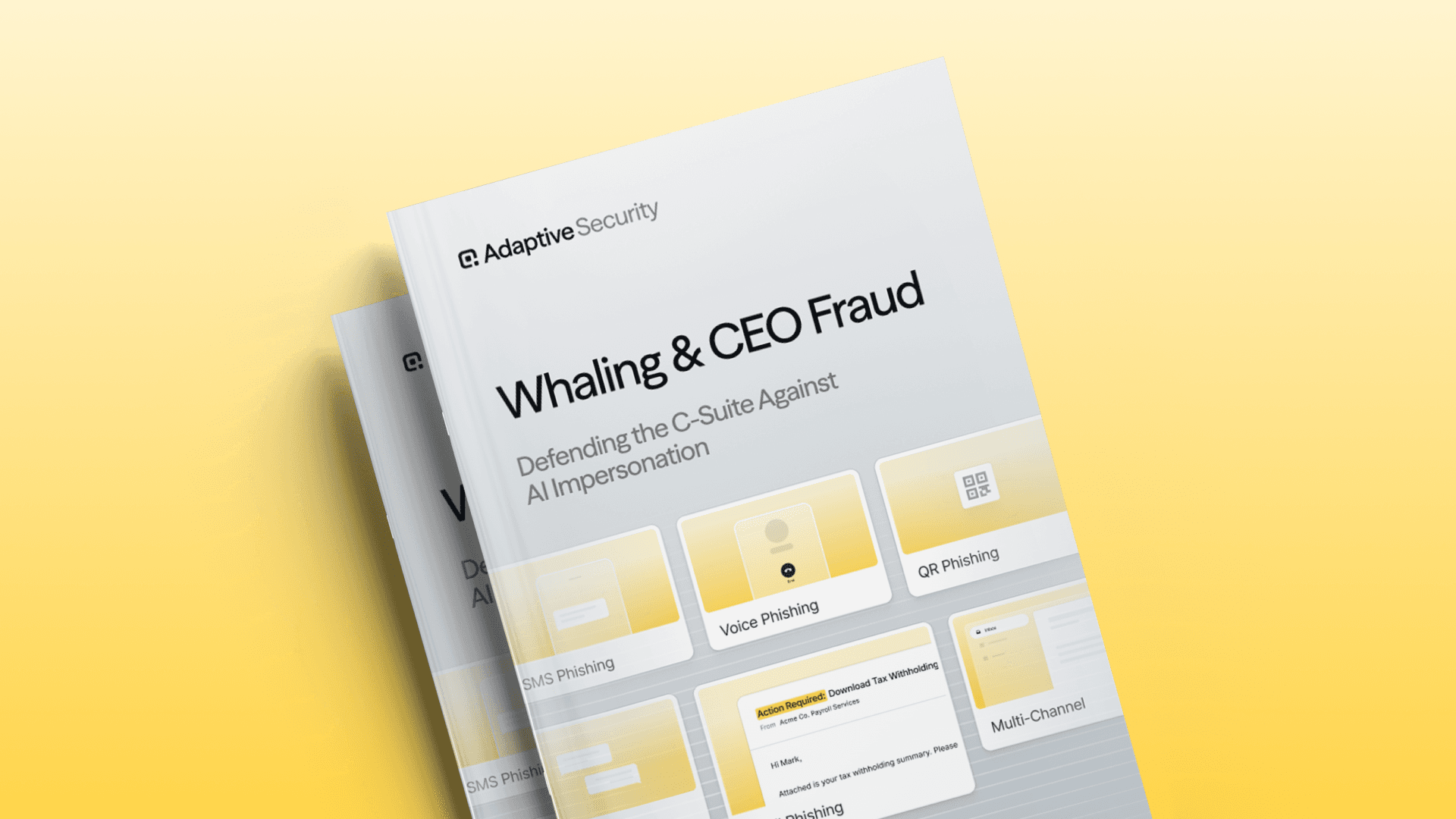
For a practical breakdown of the controls organizations can put in place, download Whaling & CEO Fraud: Defending the C-Suite Against AI Impersonation. The guide includes a CEO fraud prevention checklist and compares executive impersonation, BEC hijacking, and synthetic media threats.
Frequently Asked Questions
What is a spoofing attack in simple terms?
A spoofing attack makes a communication or technical connection appear to come from a different, usually trusted, source. Examples include a forged email sender, fake caller ID, lookalike website, or altered source IP address.
What is an example of spoofing?
An attacker might register a domain that differs from a vendor's domain by one character, then email the vendor's customer with fraudulent bank details. The message appears familiar, but it comes from infrastructure controlled by the attacker.
Is spoofing the same as phishing?
No. Spoofing falsifies identity or origin; phishing manipulates a person into taking an action. Attackers often use spoofing to make phishing more convincing.
Can an email pass SPF, DKIM, and DMARC and still be malicious?
Yes. A message from an attacker-controlled lookalike domain can pass authentication for that domain, and a message from a compromised legitimate account may also pass. Evaluate authentication results with the sender, domain, behavior, and request context.
Does DMARC stop all email spoofing?
No. An enforced DMARC policy helps stop unauthorized use of a protected domain in the visible From address. It doesn’t prevent display-name spoofing, lookalike domains, compromised accounts, or impersonation through phone, text, and websites.
Can caller ID be trusted?
Don’t treat caller ID as proof of identity because scammers can falsify the displayed name and number. Verify sensitive requests through a number or channel you already know.
How can employees report suspected spoofing?
Employees should use the organization's designated reporting button, help desk, security mailbox, or incident channel. They should avoid replying, clicking, or using contact information in the suspicious message and preserve the original communication for investigation.
What is the best way to prevent spoofing-related fraud?
Use layered defenses: Enforce SPF, DKIM, and DMARC; monitor lookalike domains; protect legitimate accounts with strong authentication; require independent verification for high-risk requests; and train employees with realistic impersonation scenarios.
As experts in cybersecurity insights and AI threat analysis, the Adaptive Security Team is sharing its expertise with organizations.
Related articles

Ransomware Employee Training Checklist: 25 Steps to Prepare Safer Teams and Measure Human Risk Across Organizations

Deepfake Awareness Training ROI: How to Build a Defensible Business Case and Measure Payback at Scale

