Stop Improper SaaS Usage.
Adaptive discovers every SaaS app in your org, scores risk by permissions, and shuts down threats.
See every app across your org.
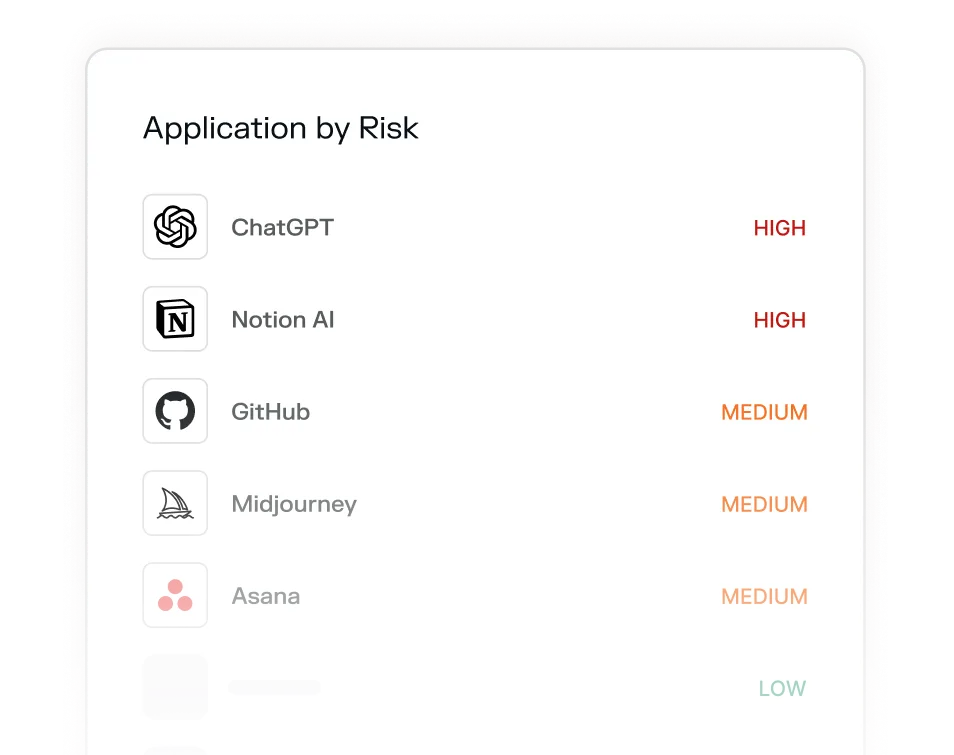
Spot the risky ones instantly.
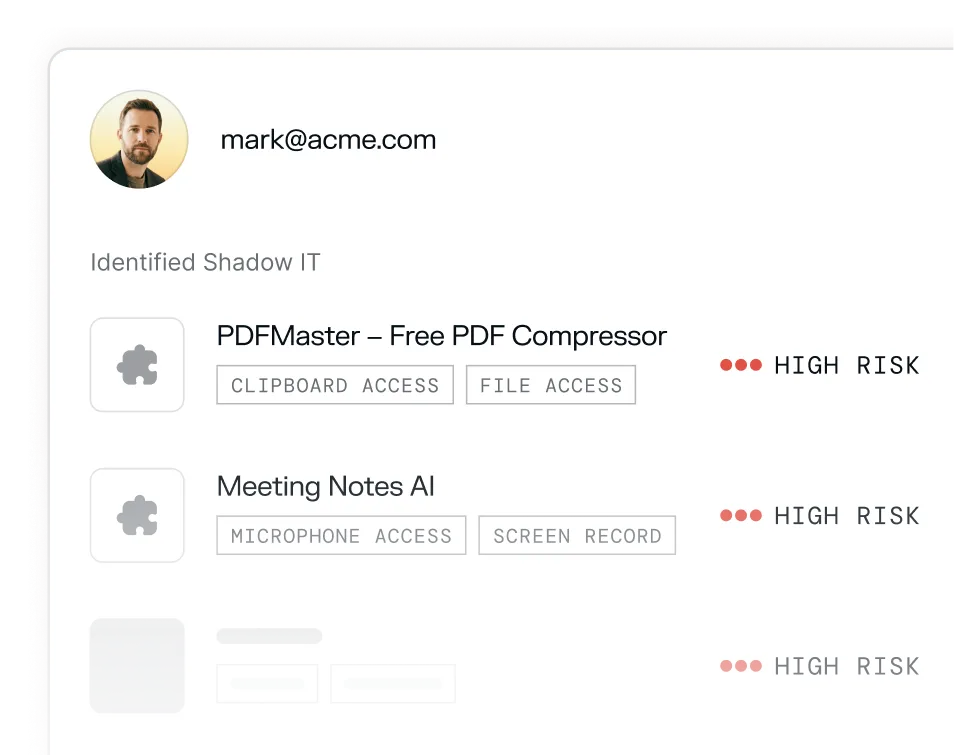
Revoke access automatically.








.png)
Your employees install tools every day. Most of them, you've never approved.
Full visibility into your organization.


Your questions answered
Shadow IT is any software, app, or service employees use without IT or security team approval. The risk isn't necessarily that employees have bad intentions — it's that unapproved tools haven't been vetted for security, may have broad data permissions, and create attack surface and compliance exposure that security teams can't see or manage.
Most security teams significantly underestimate it. The proliferation of self-serve SaaS, browser extensions, and AI-powered productivity tools means employees can spin up new tools — often connected to core Google or Microsoft accounts — in seconds. What IT thinks is a 20-app environment is often 200+.
The most common and serious risks include apps with access to clipboard data, screen recording capabilities, microphone access, and full read/write access to cloud storage. Meeting bots that auto-join calls, AI note-takers, PDF converters, and grammar tools are frequent offenders — many capture far more data than users realize.
Adaptive connects natively to your workspace and inventories every OAuth-connected application across your organization. No agents or network-level monitoring required — it works from existing permission grants your employees have already made.
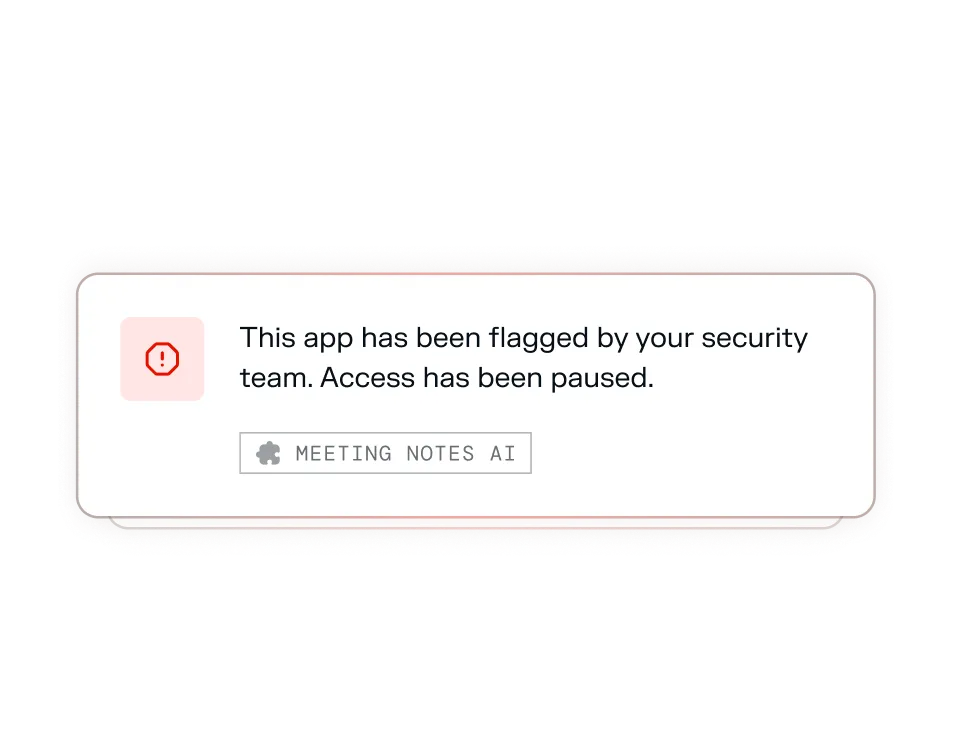
Yes. Access can be revoked in a single click directly from the Adaptive dashboard — no ticket, no waiting, no coordination with the app vendor. Employees receive a notification explaining that the app has been flagged and access has been paused.
SSO only shows apps that went through official provisioning. Shadow IT by definition bypasses that — employees connect tools directly via OAuth using their Google or Microsoft credentials, never touching your SSO. That's precisely why it's invisible to most identity-based tooling.